Grimoire Scrolls
Tabletop Character Companion
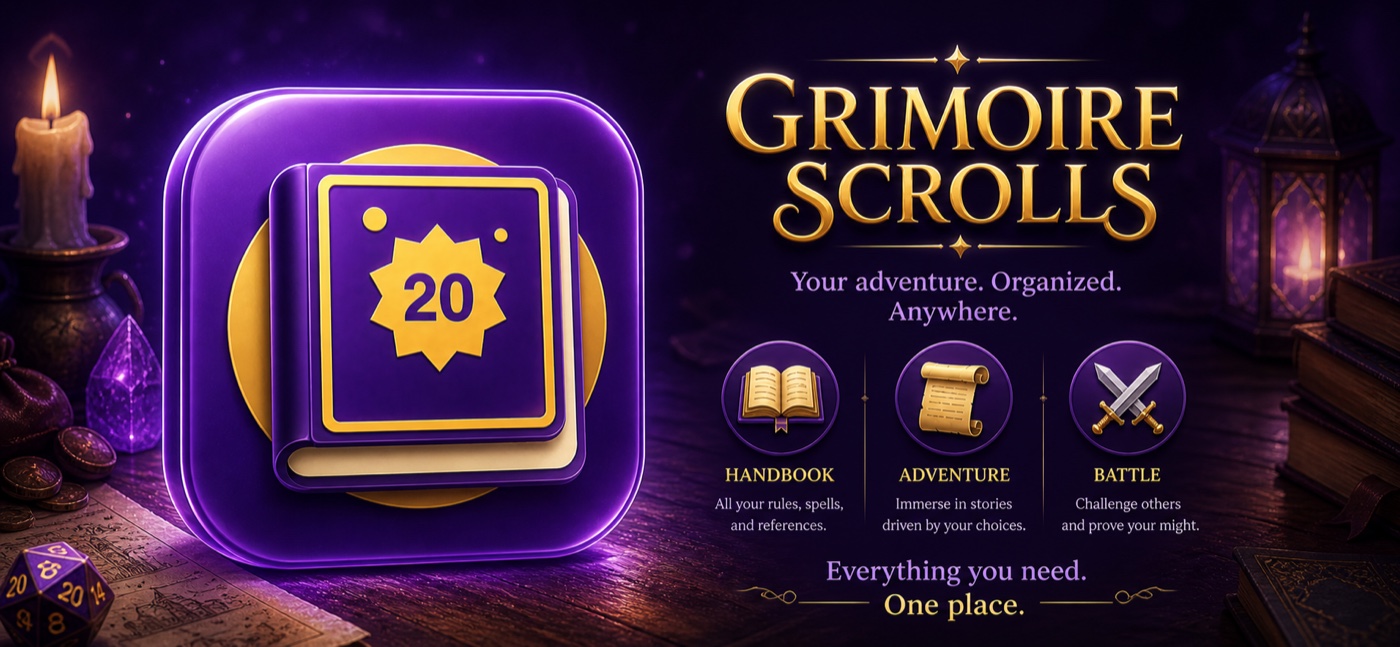
A tabletop RPG companion for creating, advancing, sharing, and playing characters. It combines interactive character sheets, guided level-ups, a searchable handbook, campaigns, local and Game Center combat, dice, achievements, CloudKit sync, and export tools.
Core Experience
Build, Advance, and Play
Create blank characters or generate complete adventurers in seconds. Grimoire Scrolls handles ability rolls, class resources, level-up choices, proficiencies, spell limits, inventory, notes, backstory, and exportable sheets so the character stays playable from level 1 through 20.
Overview
Identity, class, race, background, alignment, title, class resources, and level-up badges keep the character state clear.
Abilities & Skills
Scores, modifiers, saving throws, proficiency, expertise, and pending skill choices are calculated and updated in real time.
Combat
HP, temporary HP, damage, healing, armor, initiative, speed, hit dice, death saves, and dice-driven damage rolls stay together.
Spells
Cantrips, levels 1-9, spell slots, casting ability, save DC, attack bonus, and class/level warnings are handled in one view.
Equipment
Inventory, equipped slots, item detail, sell actions, weight, encumbrance, and five-coin currency tracking keep gear organized.
Handbook
Universal search across 19 categories: classes, subclasses, races, spells, feats, equipment, rules, monsters, NPCs, and guides.
Expanded Tools
Beyond the Character Sheet
The app has grown into a play surface: campaigns, random encounters, multiplayer combat, custom content, achievements, portable characters, and guided help all live beside the sheet.
Dice Roller
Supports common dice from d4 through d100, optional modifiers, contextual damage/healing use, stats, and roll history.
Combat Modes
Run random encounters, local party-vs-monsters battles, Game Center PvP, or co-op party-vs-monsters sessions.
Campaigns
Play The Shattered Crown with saved progress, narrative choices, dialogue, quest log, map, inventory, and combat transitions.
Achievements & Guides
Game Center achievements, local rewards, quick-tour onboarding, feature guides, and unread guide badges help players explore.
Homebrew Content
Create custom classes, subclasses, races, backgrounds, spells, feats, features, equipment, monsters, arenas, rules, and languages.
Import & Export
Import characters from Markdown, export Markdown or polished PDF sheets, and share individual characters from the sheet.
Sync & Transfers
CloudKit sync keeps characters available across devices, while nearby transfer sends full character data over Bluetooth or Wi-Fi.
Bingo Duel
Custom bingo, your rules
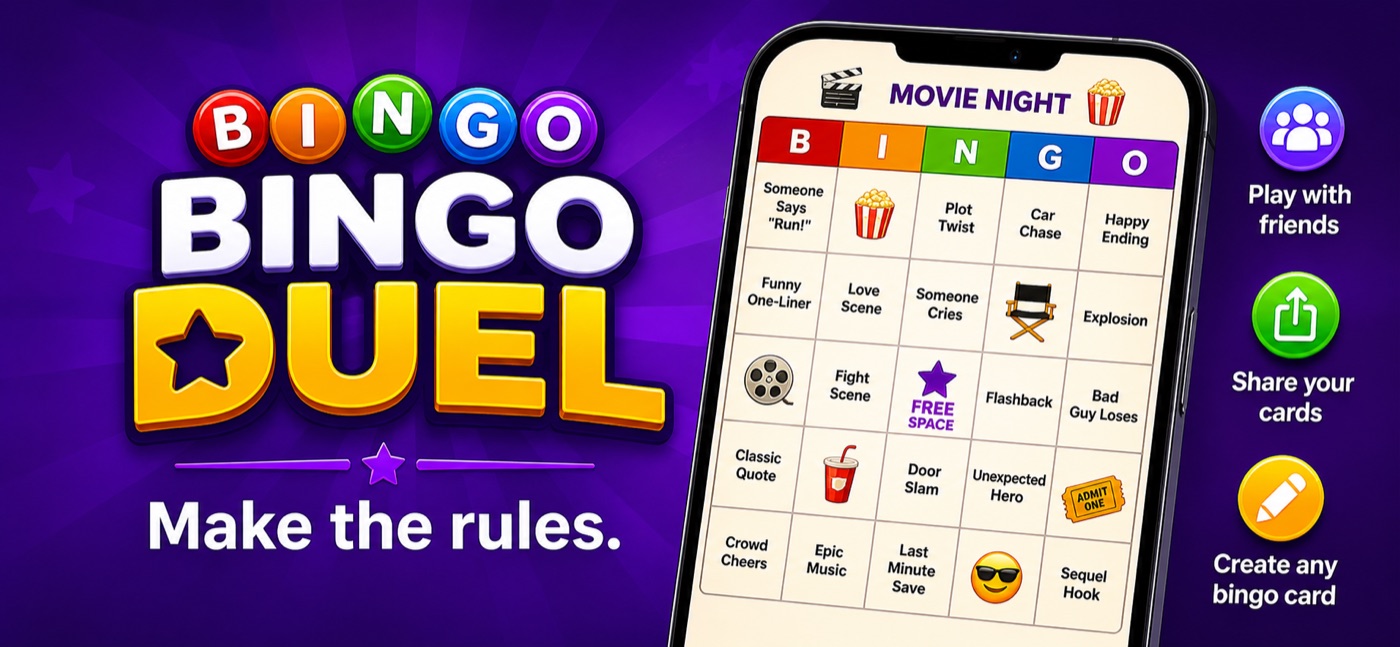
A flexible bingo builder and game-night companion for custom or classic cards. Create the board you want, play solo, challenge friends through Game Center, and share cards through familiar Apple platform workflows.
Core Experience
Build the Board You Want
Create custom bingo cards for parties, classrooms, road trips, watch nights, family gatherings, team events, or inside jokes. When you want the familiar version, generate classic 75-ball bingo cards and play the traditional way.
Custom Cards
Build personal bingo boards from 3×3 through 9×9, with optional free-center rules and column headers.
Classic 75-Ball
Generate traditional B I N G O cards and play solo or multiplayer with a shared caller flow.
Text & Images
Add words, images, and custom headers; imported photos are downsampled so synced cards stay practical.
Share & Import
Send cards as .bingocard files or QR/deep links, then import them through AirDrop, Messages, Mail, or Files.
Library Tools
Save, duplicate, shuffle, edit, organize into folders, and keep cards available across devices through CloudKit sync.
Solo or Multiplayer
Play alone or compete in Game Center turn-based classic matches with support for 2 to 8 players.
Game Night Tools
Ready for Real Occasions
Flexible Win Rules
Play classic lines, four corners, blackout, X, T, or diamond patterns depending on the night.
Achievements & Leaderboards
Game Center integration includes achievements, leaderboards, a fastest-bingo challenge, and activity shortcuts.
Stats & Progression
Track wins, losses, streaks, fastest games, favorite rules, experience, and profile level over time.
Card Set Store
StoreKit 2 support unlocks curated card packs and restores purchased sets into the user's library.